Welcome to our overview of how to complete the Data Stream Fundamentals Superbadge Unit for Data Cloud. We’ll be covering exercise 1: Connect the Sales Data Stream Bundle which includes getting set up in your own trial org.
Check out the Data Stream Fundamentals Superbadge Unit here: https://trailhead.salesforce.com/content/learn/superbadges/superbadge-data-stream-fundamentals-sbu
Step 1: Sign up for your trial org

At near the top of the Superbadge unit you’ll see a link to sign up for a Developer Edition.
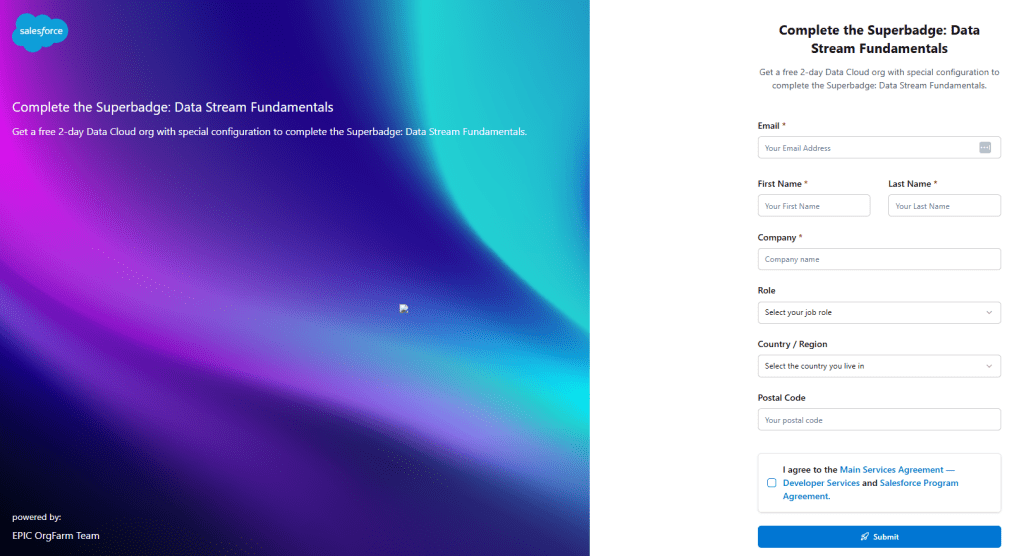
Fill out the form and click submit.
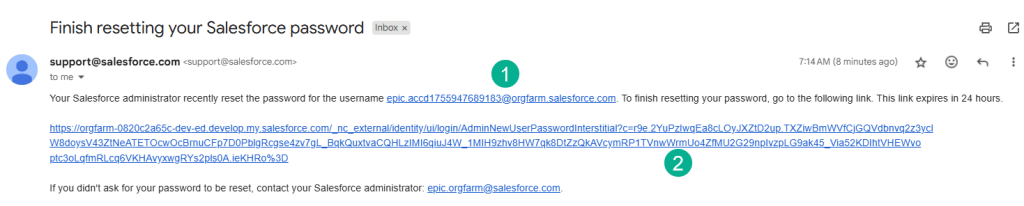
(1) You will receive an email asking you to set up your password. Copy down the user name provided here.
(2) Click on this link.
You will be asked to provide a password and you should be granted access to your trial org for the Superbadge exercises.
Step 2: Create a new data stream
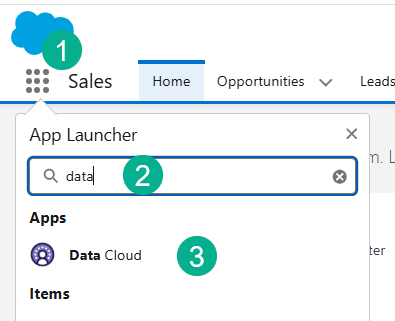
(1) In the nine dots in the upper left.
(2) Search for Data or Data Cloud.
(3) Select Data Cloud.

(1) Click on Data Streams.
(2) Select New.
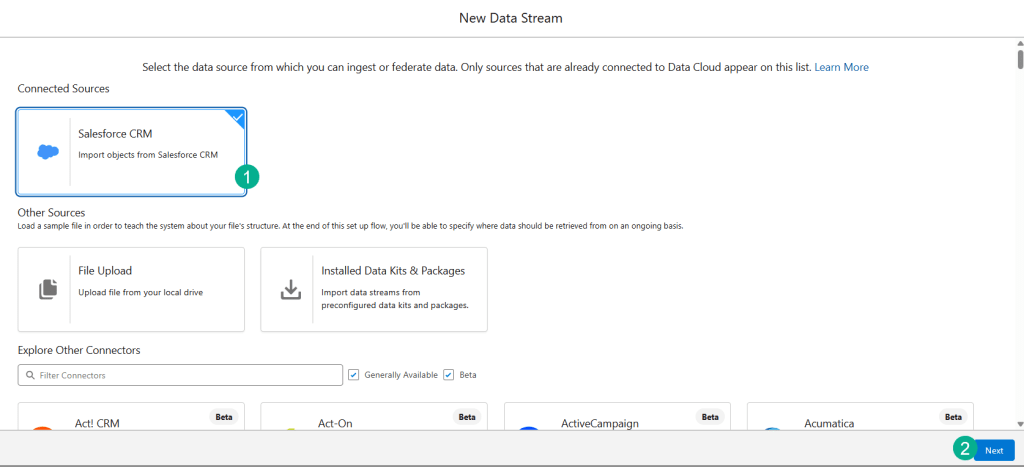
(1) Select Salesforce CRM.
(2) Select Next.
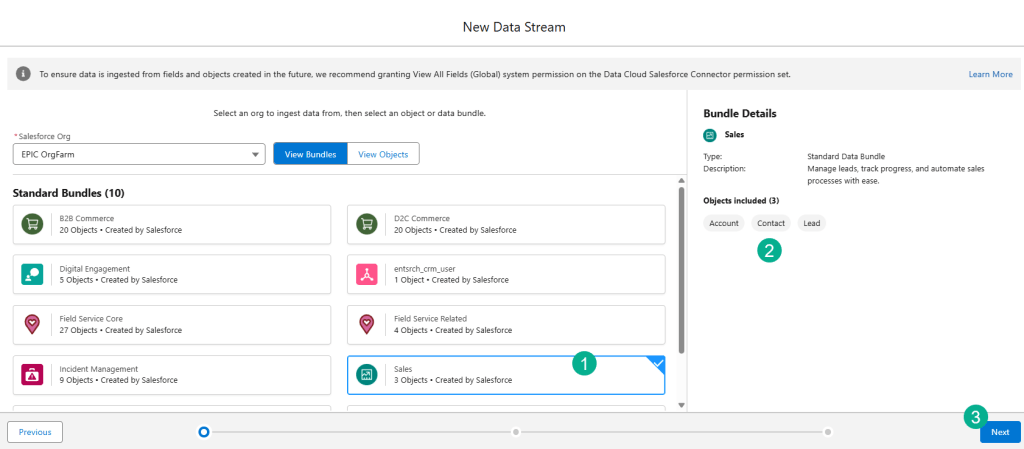
(1) Select the Sales bundle.
(2) See the available objects in this bundle.
(3) Select Next.
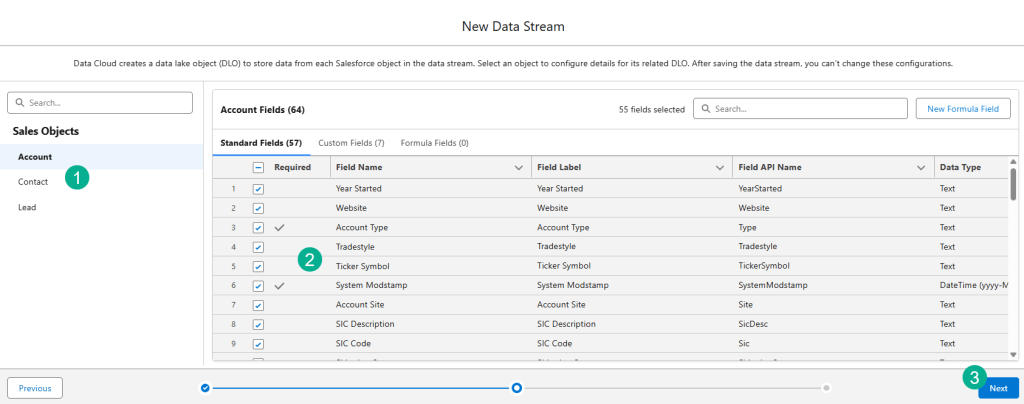
(1) You can toggle between the different objects.
(2) And see all the pre-selected fields.
(3) Click Next.
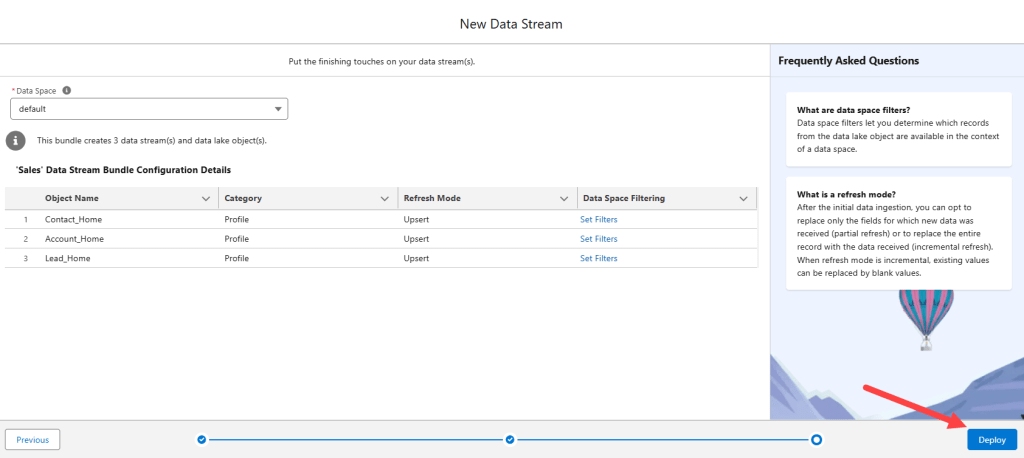
Click Deploy.
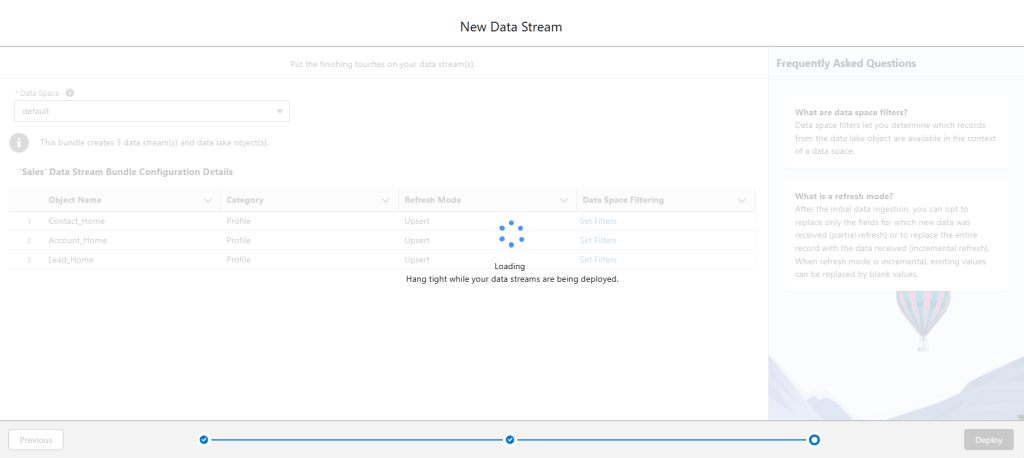
It might take 15 min or so to deploy.
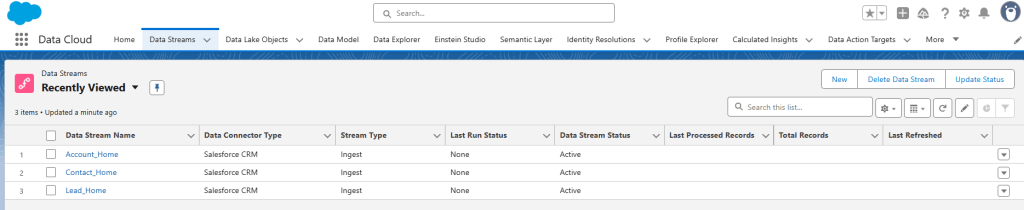
Once deployed you should see all three Data Streams.
Step 3: Connect your org to the Superbadge Challenge
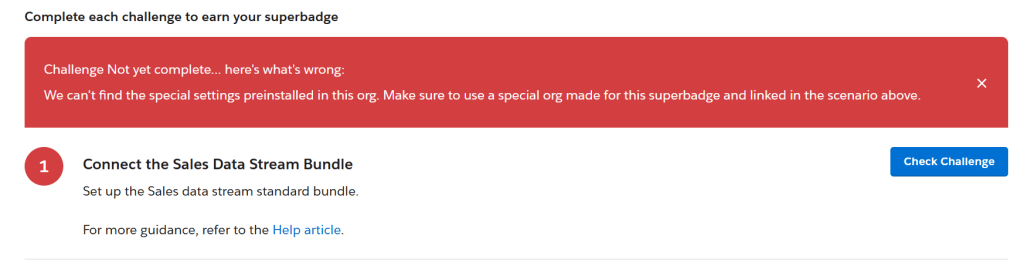
If you click on the Check Challenge but get the following error, you’ll need to connect your new org to this SuperBadge Challenge.

Right above the Check Challenge button you’ll see an area to choose a hands-on org. Click on the three buttons.
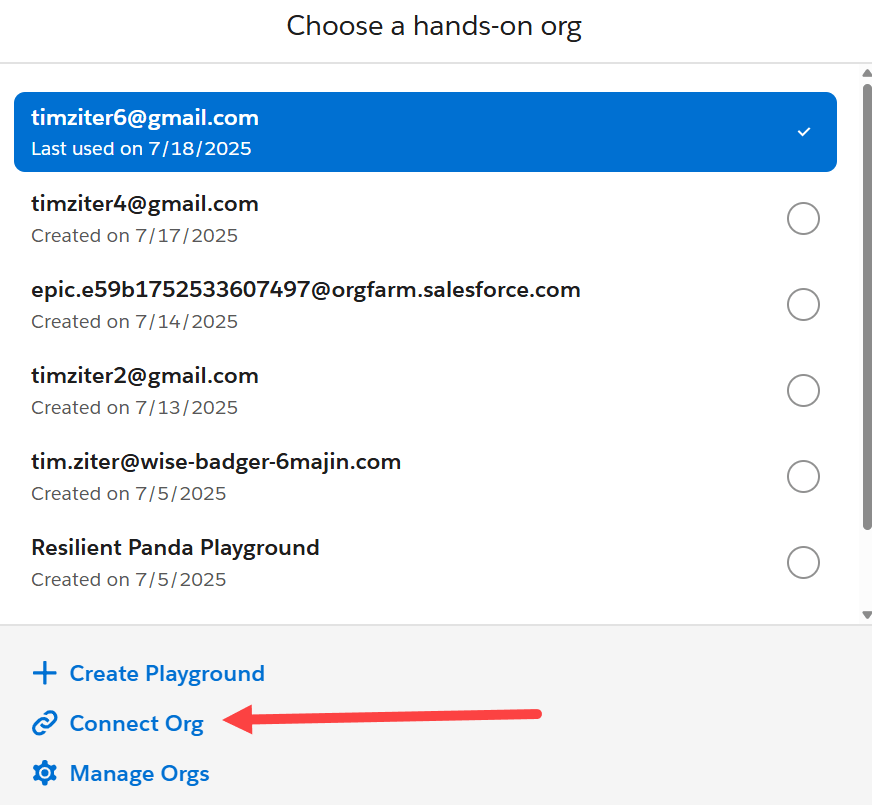
Select Connect Org.
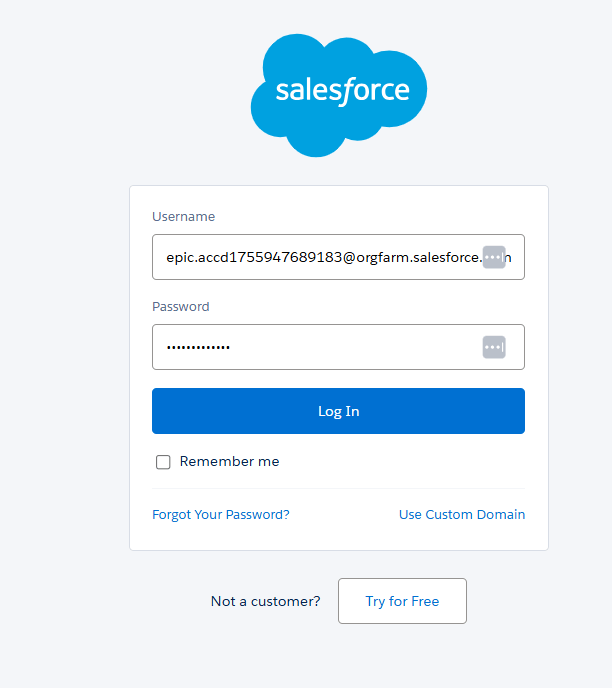
Log in with your new user and password.
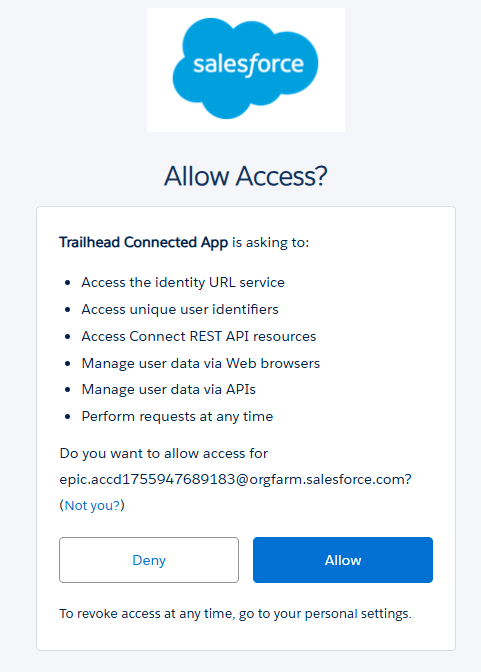
Click the Allow button.
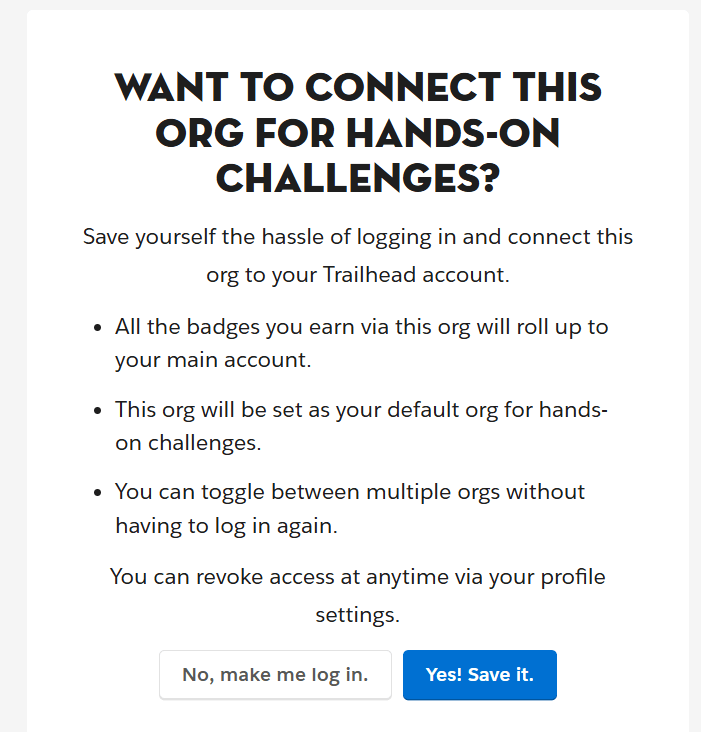
Click the “Yes! Save it.” button.

Try clicking on the Check Challenge button and you should have success.
See you in our next blog for Exercise 2: Create a Custom Formula.


Leave a Reply